
Fast delivery service is available across the region, depending on selected items, location, and time. Learn more at checkout.
About product
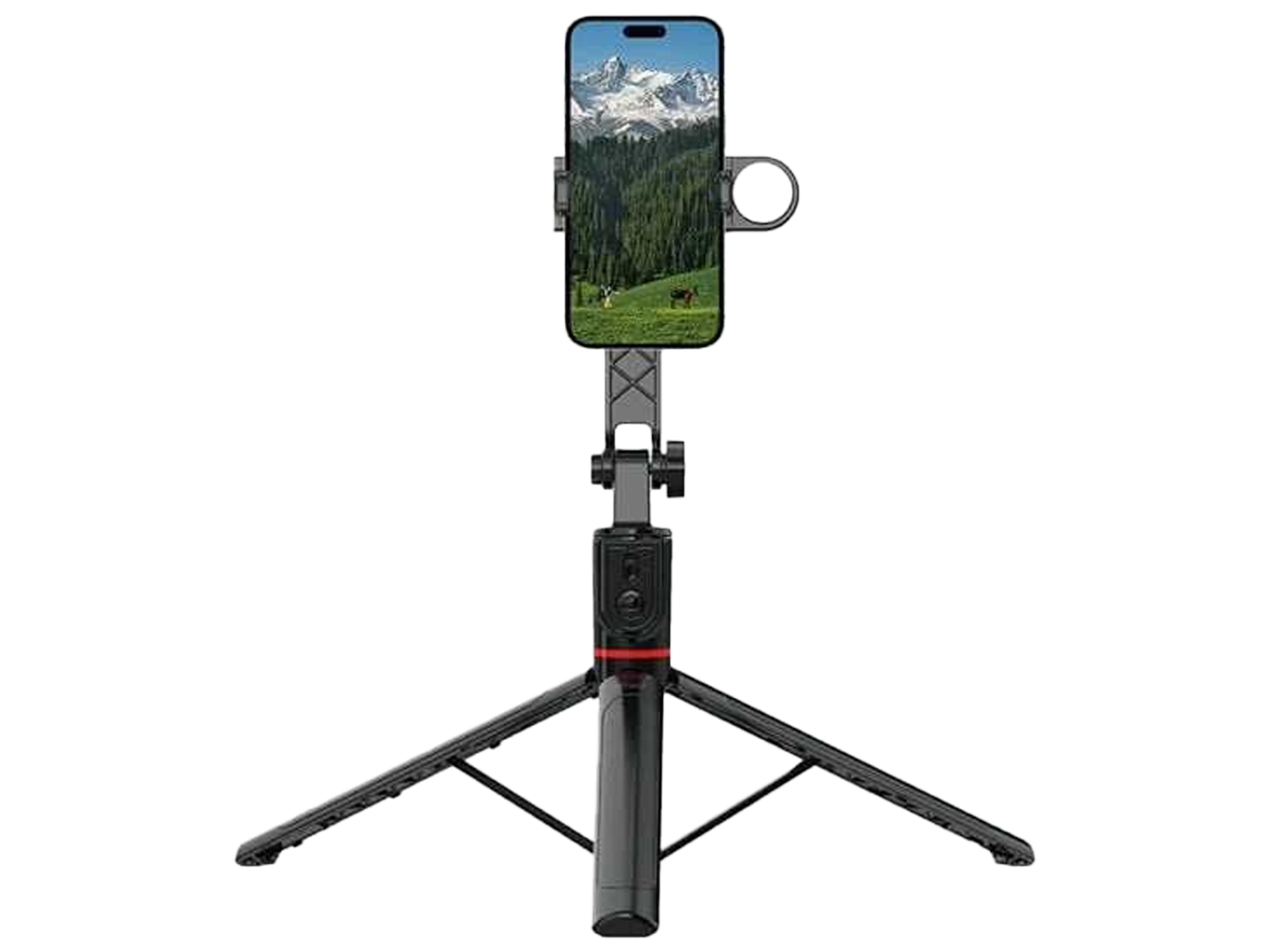
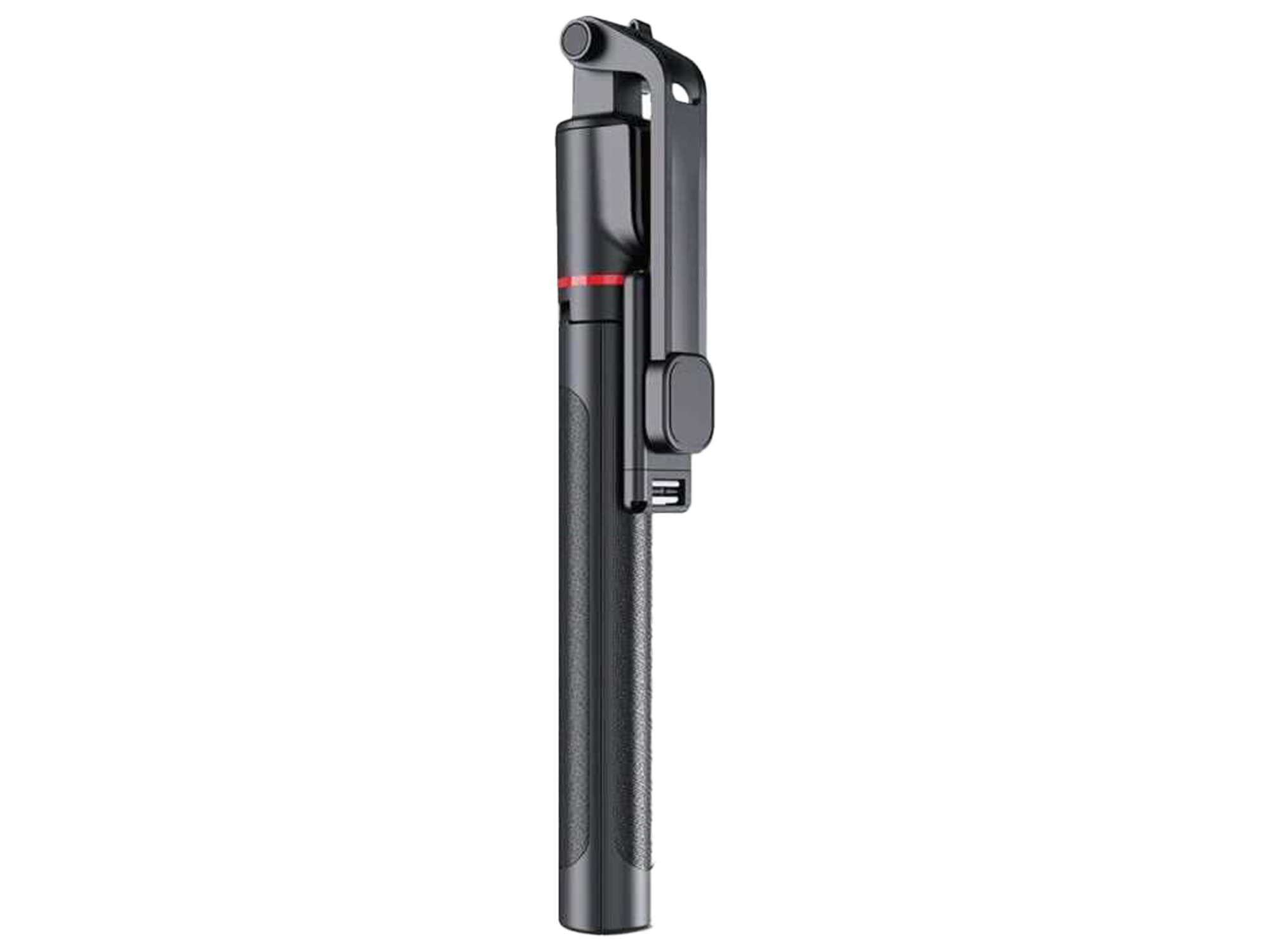
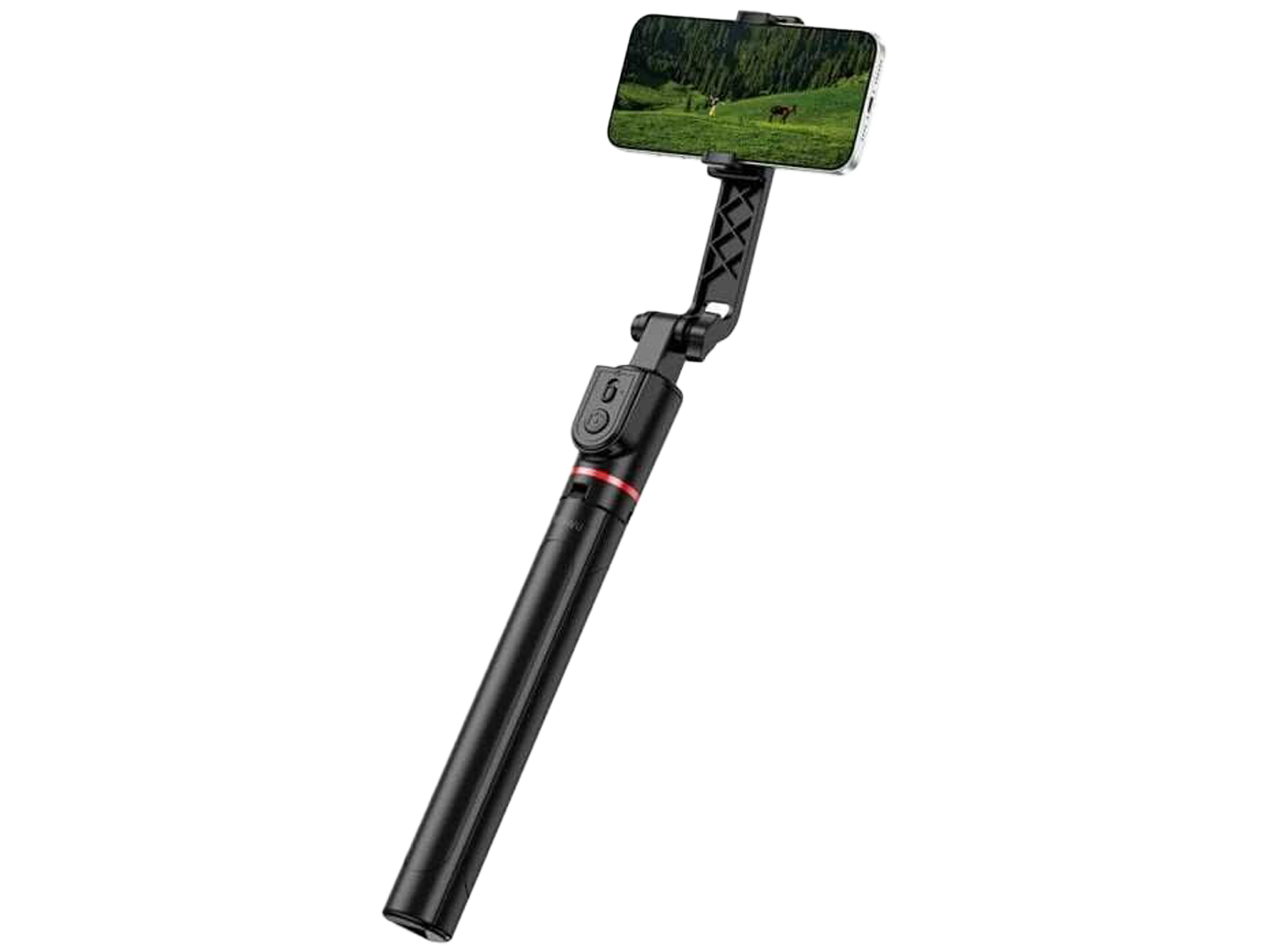
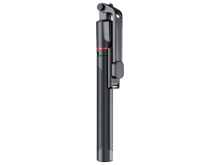
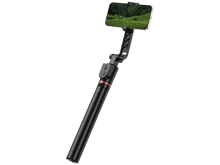
Live broadcast tripod selfie stick 1.8m Wi-SE015Live broadcast tripod selfie stick 1.8m Wi-SE015The WiWU Wi-SE015 Live Broadcast Tripod Selfie Stick is a 3-in-1 multi-functional content creation tool that serves as a selfie stick, stable floor tripod, and desktop phone stand.Key Features and Specifications1.8-Meter Extension: Built with an 8-section stainless steel rod, the pole telescopes smoothly up to 1.8 meters (approx. 5.9 feet), making it highly optimal for wide-angle group photos and full-body live streaming.360° Panoramic Rotation: The phone mount supports full-circle rotation, allowing you to instantly switch between vertical (portrait) and horizontal (landscape) modes, as well as high or low-angle shots.Reinforced Tripod Legs: Features widened and thickened legs designed for multi-terrain stability, preventing camera shake while broadcasting outdoors.Integrated Beauty Light: Features a built-in LED fill/ring light to enhance face illumination and video quality during low-light sessions.Detachable Bluetooth Remote: Includes a pocket-sized wireless shutter remote that clips directly into the handle for easy hands-free shooting at a distance.Compact Portability: The entire system collapses down into a compact, lightweight format, making it convenient to store in a backpack or travel bag.Standard Usage GuideSetting up the Tripod: Unfold the three base legs outward from the handle until they snap securely into a flat, wide stance.Mounting the Phone: Pull open the spring-loaded bracket and secure your smartphone. Adjust the rotation tension knob behind the mount to lock your preferred viewing angle.Extending the Pole: Hold the tripod handle firmly and gently pull the phone mount upward to telescope the stainless steel rod sections to your desired height.Bluetooth Remote Pairing: Slide the small remote upward out of its slot. Hold down the power button until a blue LED light blinks. Open your smartphone's Bluetooth settings and select the device name to pair


Why Buy from Action Market?
Because we provide a safe and smooth shopping experience from start to finish.
Up to 18 Months Warranty
Full peace of mind with every purchase
Free Delivery
Fast shipping directly to your doorstep
Easy Returns & Exchanges
Simple and hassle-free process
You may also like
Product description
Live broadcast tripod selfie stick 1.8m Wi-SE015Live broadcast tripod selfie stick 1.8m Wi-SE015The WiWU Wi-SE015 Live Broadcast Tripod Selfie Stick is a 3-in-1 multi-functional content creation tool that serves as a selfie stick, stable floor tripod, and desktop phone stand.Key Features and Specifications1.8-Meter Extension: Built with an 8-section stainless steel rod, the pole telescopes smoothly up to 1.8 meters (approx. 5.9 feet), making it highly optimal for wide-angle group photos and full-body live streaming.360° Panoramic Rotation: The phone mount supports full-circle rotation, allowing you to instantly switch between vertical (portrait) and horizontal (landscape) modes, as well as high or low-angle shots.Reinforced Tripod Legs: Features widened and thickened legs designed for multi-terrain stability, preventing camera shake while broadcasting outdoors.Integrated Beauty Light: Features a built-in LED fill/ring light to enhance face illumination and video quality during low-light sessions.Detachable Bluetooth Remote: Includes a pocket-sized wireless shutter remote that clips directly into the handle for easy hands-free shooting at a distance.Compact Portability: The entire system collapses down into a compact, lightweight format, making it convenient to store in a backpack or travel bag.Standard Usage GuideSetting up the Tripod: Unfold the three base legs outward from the handle until they snap securely into a flat, wide stance.Mounting the Phone: Pull open the spring-loaded bracket and secure your smartphone. Adjust the rotation tension knob behind the mount to lock your preferred viewing angle.Extending the Pole: Hold the tripod handle firmly and gently pull the phone mount upward to telescope the stainless steel rod sections to your desired height.Bluetooth Remote Pairing: Slide the small remote upward out of its slot. Hold down the power button until a blue LED light blinks. Open your smartphone's Bluetooth settings and select the device name to pair
Frequently Asked Questions
- What are the features of the WiWU Wi-SE015 selfie stick tripod?
- Is the WiWU Wi-SE015 selfie stick tripod worth buying?
- How do you use the WiWU Wi-SE015 selfie stick tripod?
- What is the maximum height of the WiWU Wi-SE015 selfie stick tripod?
- Can the WiWU Wi-SE015 selfie stick tripod be used outdoors?
- How do you pair the remote with the WiWU Wi-SE015 selfie stick tripod?
- What is the weight capacity of the WiWU Wi-SE015 selfie stick tripod?