Fast delivery service is available across the region, depending on selected items, location, and time. Learn more at checkout.
About product
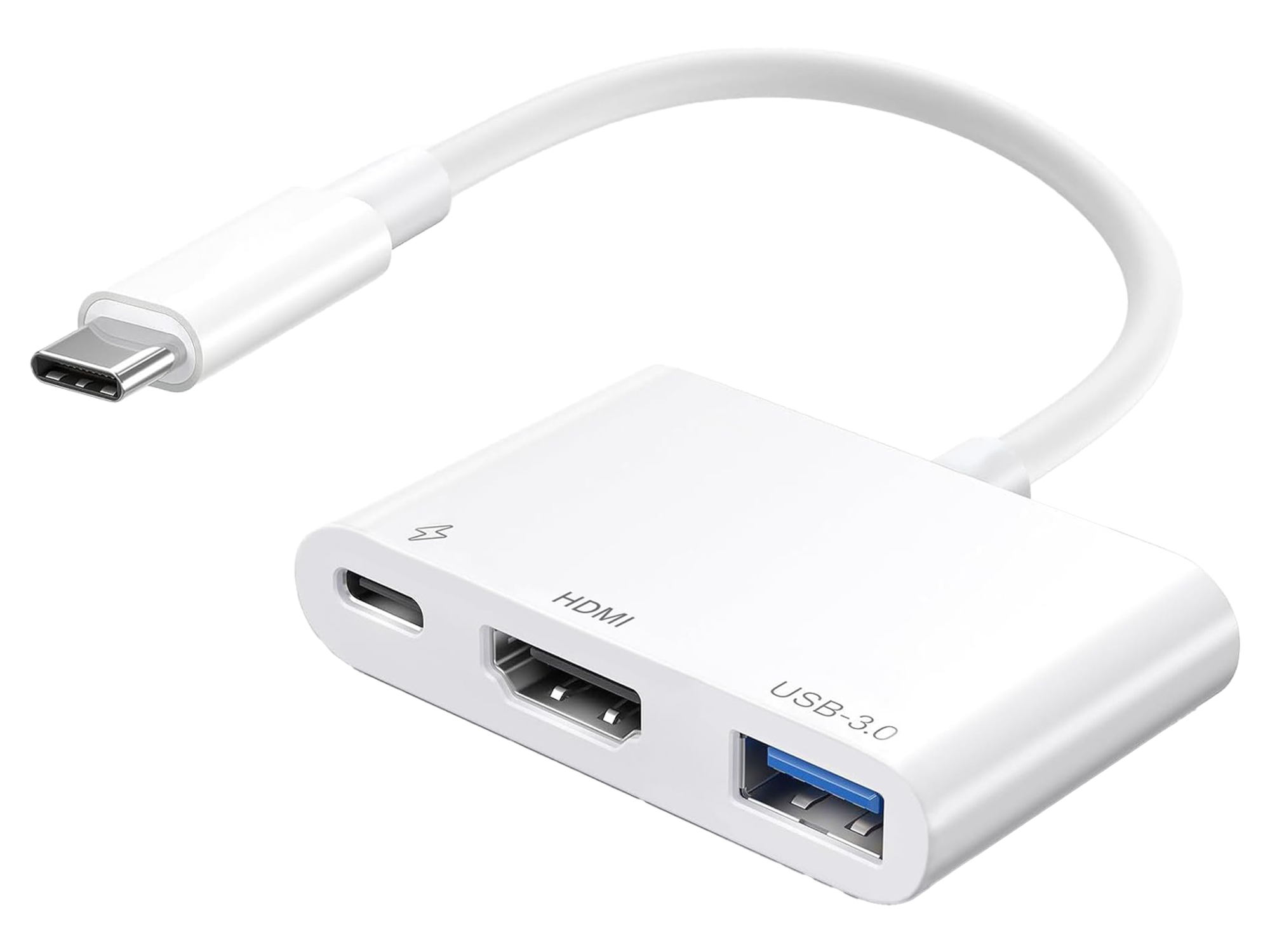
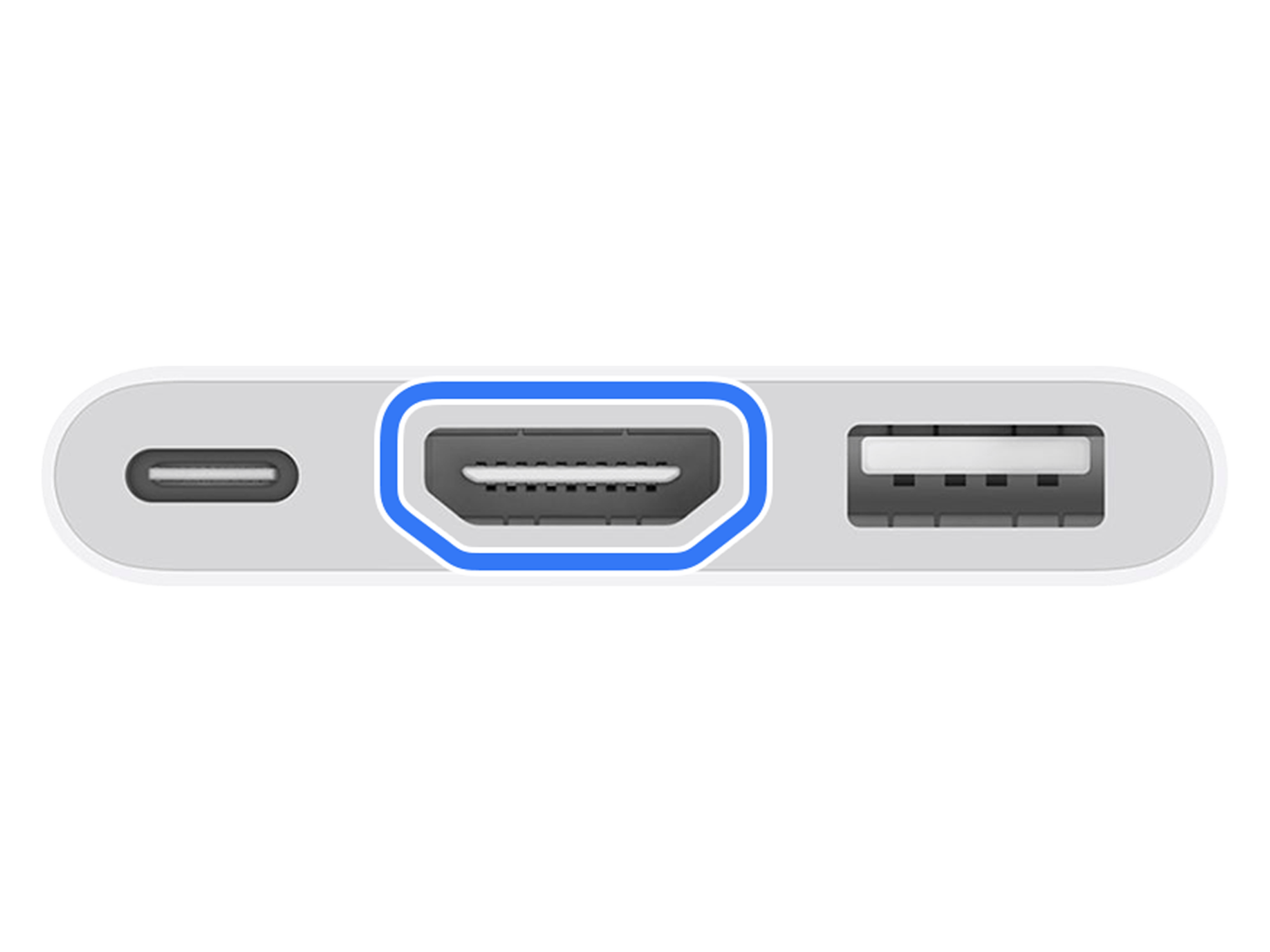
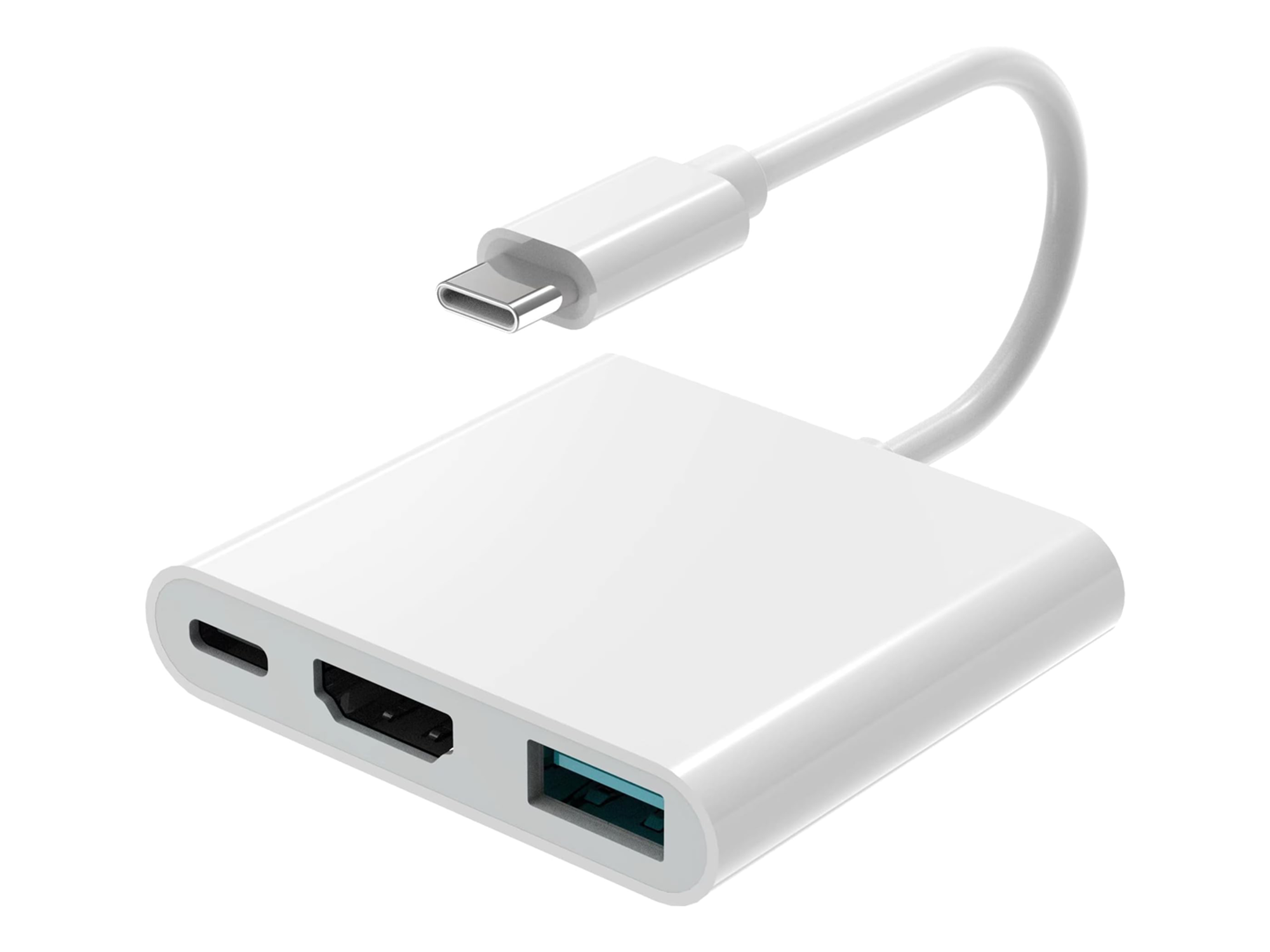
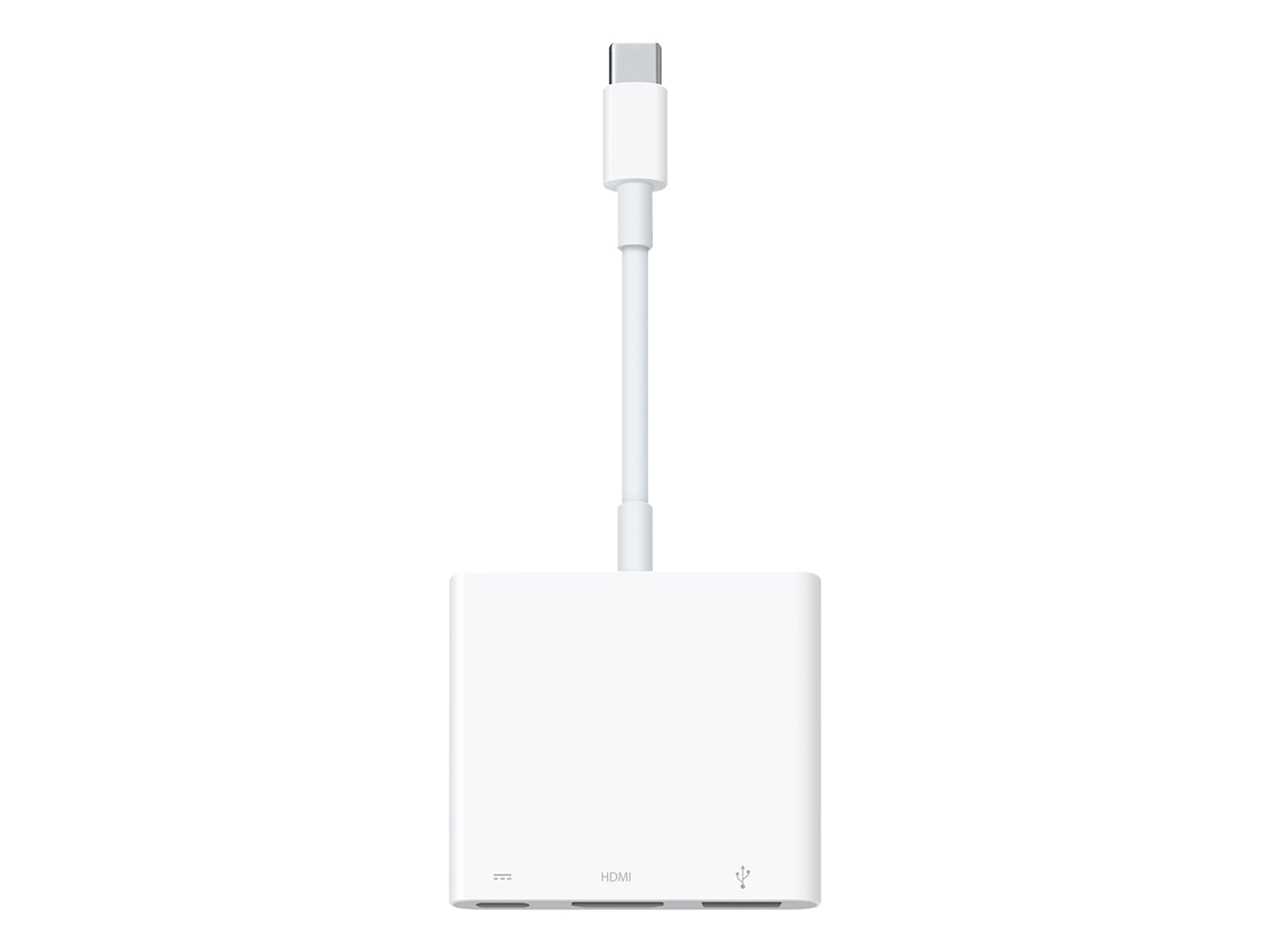
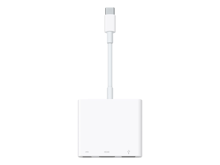
The USB-C Digital AV Multiport Adapter lets you connect your USB-C—enabled Mac, iPad or iPhone to an HDMI display, while also connecting a standard USB device and a USB-C charging cable.
This adapter allows you to mirror your USB-C—enabled Mac, iPad or iPhone to your HDMI-enabled TV or display.
3840x2160 at 60Hz on:
iPhone 15, iPhone 15 Plus, iPhone 15 Pro, iPhone 15 Pro Max, iPad Pro 13‑inch (M4), iPad Pro 11‑inch (M4), iPad Air 13‑inch (M2), iPad Air 11‑inch (M2), iPad Air (5th generation), iPad Pro 11‑inch (4th generation), iPad Pro 12.9‑inch (3rd generation and later), MacBook Pro (16‑inch, 2019), MacBook Pro (15‑inch, 2017 and later), MacBook Pro (13‑inch, four Thunderbolt 3 ports, 2020), MacBook Air (2020), iMac (Retina 5K, 27‑inch, 2017 and later), iMac (Retina 4K, 21.5‑inch, 2017 and later) and iMac Pro (2017 and later).
1080p at 60Hz or UHD (3840x2160) at 30Hz on:
iPad Air (4th generation), MacBook Air (2018 and later), MacBook Pro (13-inch, 2016 and later), MacBook Pro (15-inch, 2016), iMac (non-Retina, 21.5‑inch, 2017) and Mac mini (2018)
Simply connect the adapter to a USB-C or Thunderbolt 3 (USB-C) connector on your Mac, iPad or iPhone, and then to your TV or projector via an HDMI cable (sold separately).
Use the standard USB port to connect devices such as your flash drive or camera or a USB cable for syncing and charging your iOS devices. You can also connect a charging cable to the USB-C port to charge your Mac, iPad or iPhone.


Why Buy from Action Market?
Because we provide a safe and smooth shopping experience from start to finish.
Up to 18 Months Warranty
Full peace of mind with every purchase
Free Delivery
Fast shipping directly to your doorstep
Easy Returns & Exchanges
Simple and hassle-free process
You may also like
Product description
The USB-C Digital AV Multiport Adapter lets you connect your USB-C—enabled Mac, iPad or iPhone to an HDMI display, while also connecting a standard USB device and a USB-C charging cable.
This adapter allows you to mirror your USB-C—enabled Mac, iPad or iPhone to your HDMI-enabled TV or display.
3840x2160 at 60Hz on:
iPhone 15, iPhone 15 Plus, iPhone 15 Pro, iPhone 15 Pro Max, iPad Pro 13‑inch (M4), iPad Pro 11‑inch (M4), iPad Air 13‑inch (M2), iPad Air 11‑inch (M2), iPad Air (5th generation), iPad Pro 11‑inch (4th generation), iPad Pro 12.9‑inch (3rd generation and later), MacBook Pro (16‑inch, 2019), MacBook Pro (15‑inch, 2017 and later), MacBook Pro (13‑inch, four Thunderbolt 3 ports, 2020), MacBook Air (2020), iMac (Retina 5K, 27‑inch, 2017 and later), iMac (Retina 4K, 21.5‑inch, 2017 and later) and iMac Pro (2017 and later).
1080p at 60Hz or UHD (3840x2160) at 30Hz on:
iPad Air (4th generation), MacBook Air (2018 and later), MacBook Pro (13-inch, 2016 and later), MacBook Pro (15-inch, 2016), iMac (non-Retina, 21.5‑inch, 2017) and Mac mini (2018)
Simply connect the adapter to a USB-C or Thunderbolt 3 (USB-C) connector on your Mac, iPad or iPhone, and then to your TV or projector via an HDMI cable (sold separately).
Use the standard USB port to connect devices such as your flash drive or camera or a USB cable for syncing and charging your iOS devices. You can also connect a charging cable to the USB-C port to charge your Mac, iPad or iPhone.
Frequently Asked Questions
- What are the features of the Apple USB-C to Digital AV Multiport Adapter?
- Can I use the Apple USB-C to HDMI Multiport Adapter with iPad and MacBook?
- What is the difference between the Apple USB-C to HDMI Multiport Adapter and other display interfaces?
- How do I use the Apple USB-C to HDMI Multiport Adapter to mirror my iPhone or iPad screen?
- Does the Apple USB-C to HDMI Multiport Adapter support 4K resolution on all devices?
- Is it worth buying the Apple USB-C to HDMI Multiport Adapter for MacBook and iPad users?
- Can I connect multiple devices simultaneously with the Apple USB-C to HDMI Multiport Adapter?