
Fast delivery service is available across the region, depending on selected items, location, and time. Learn more at checkout.
About product
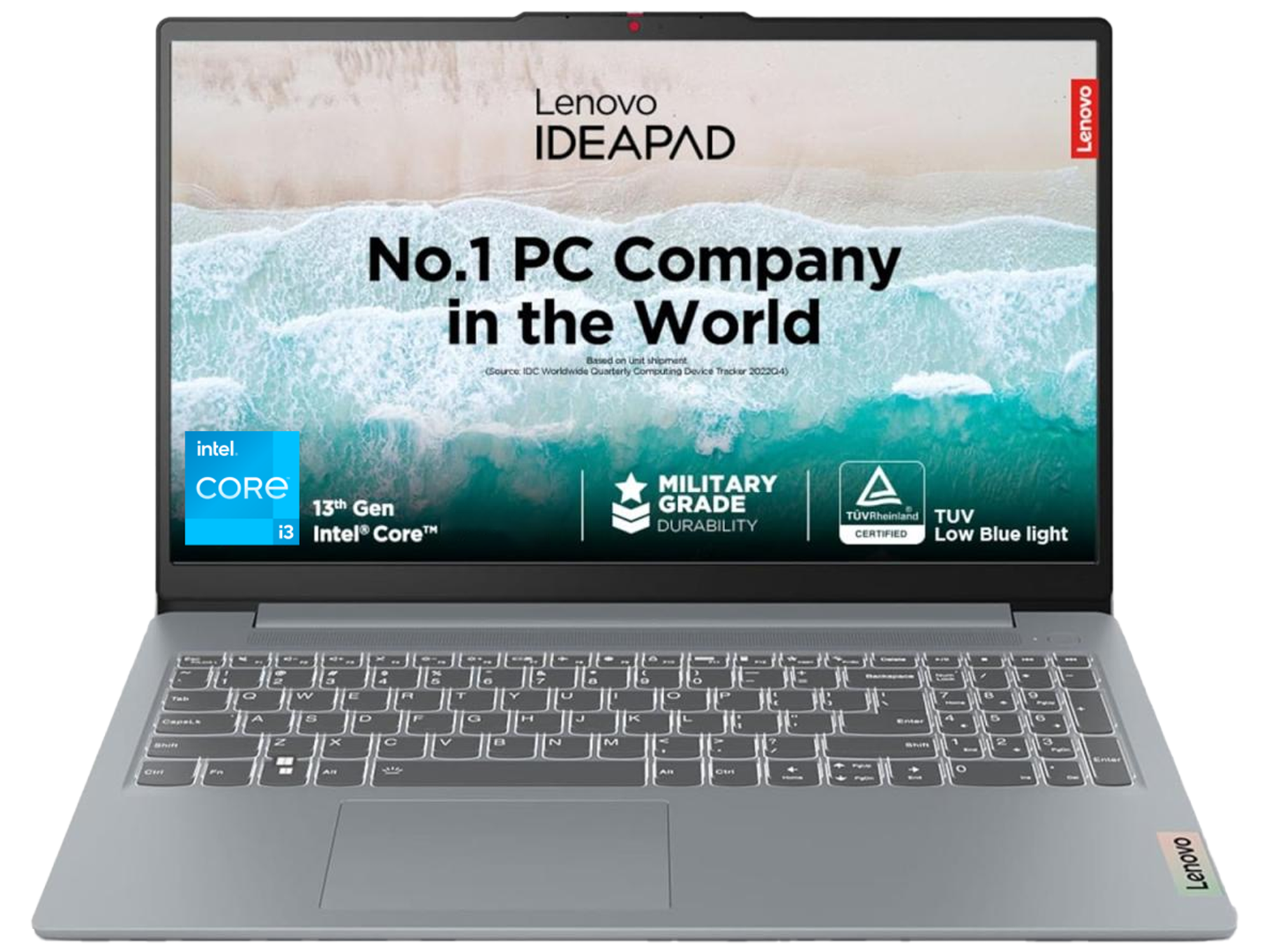
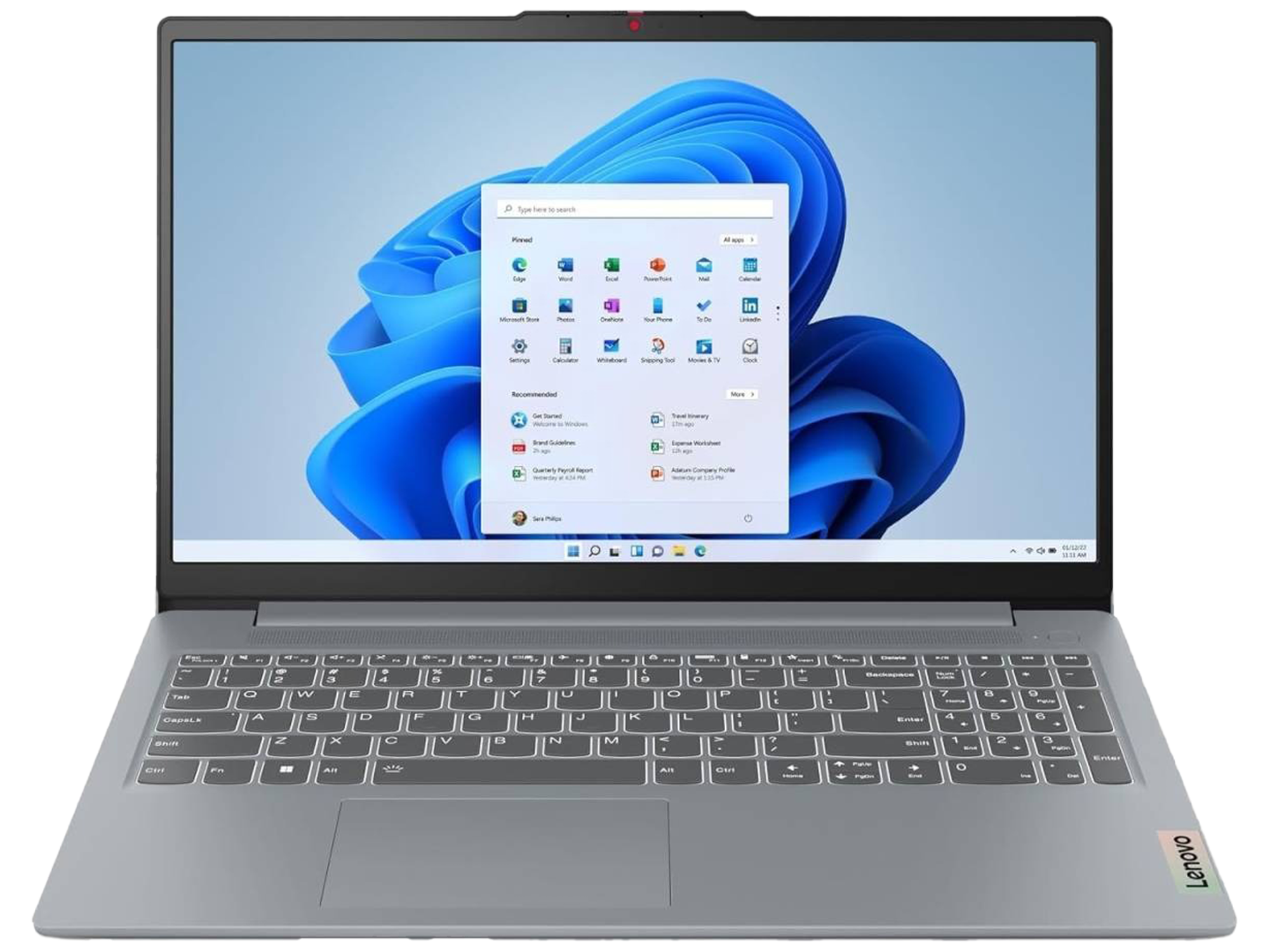
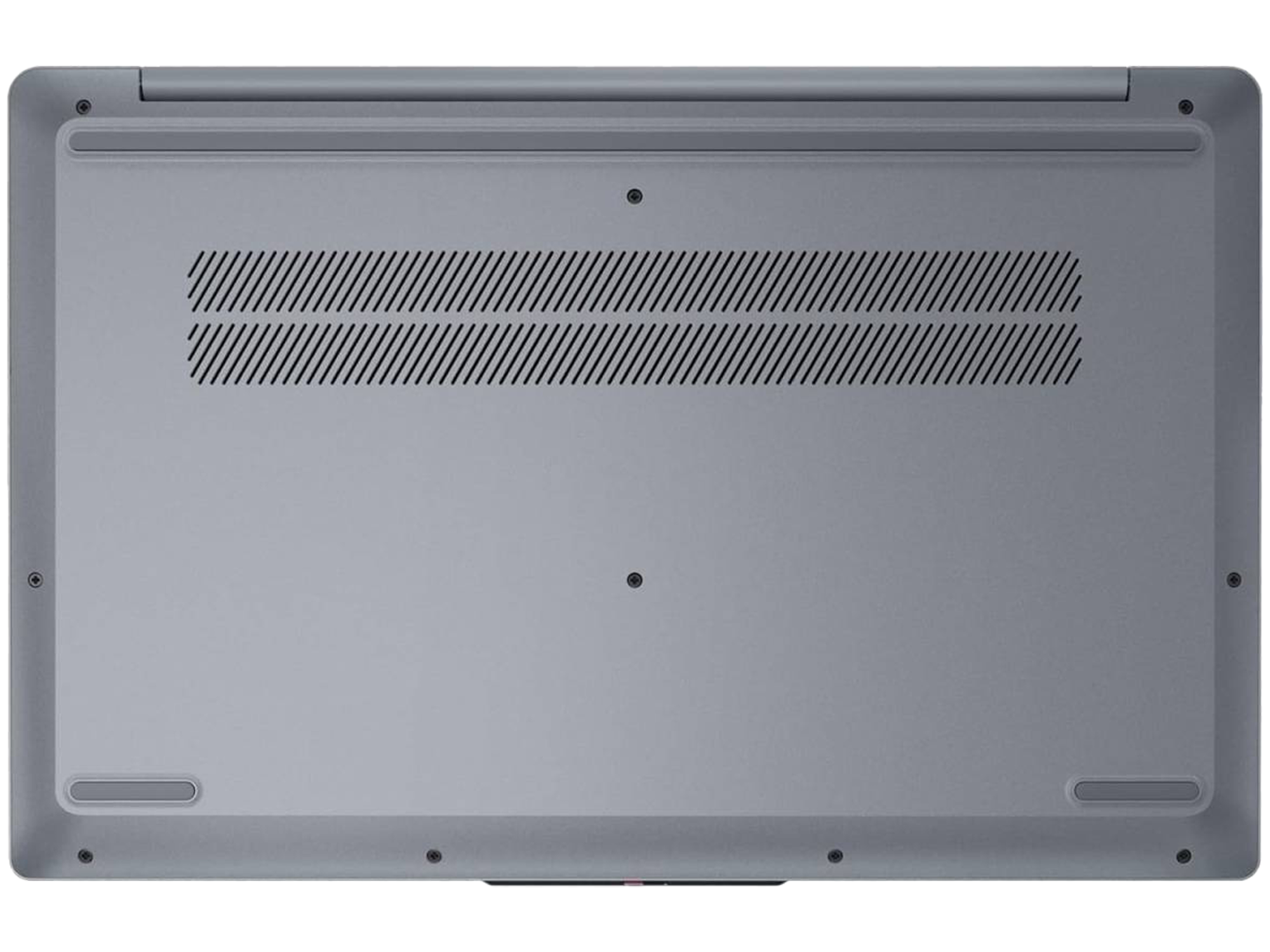
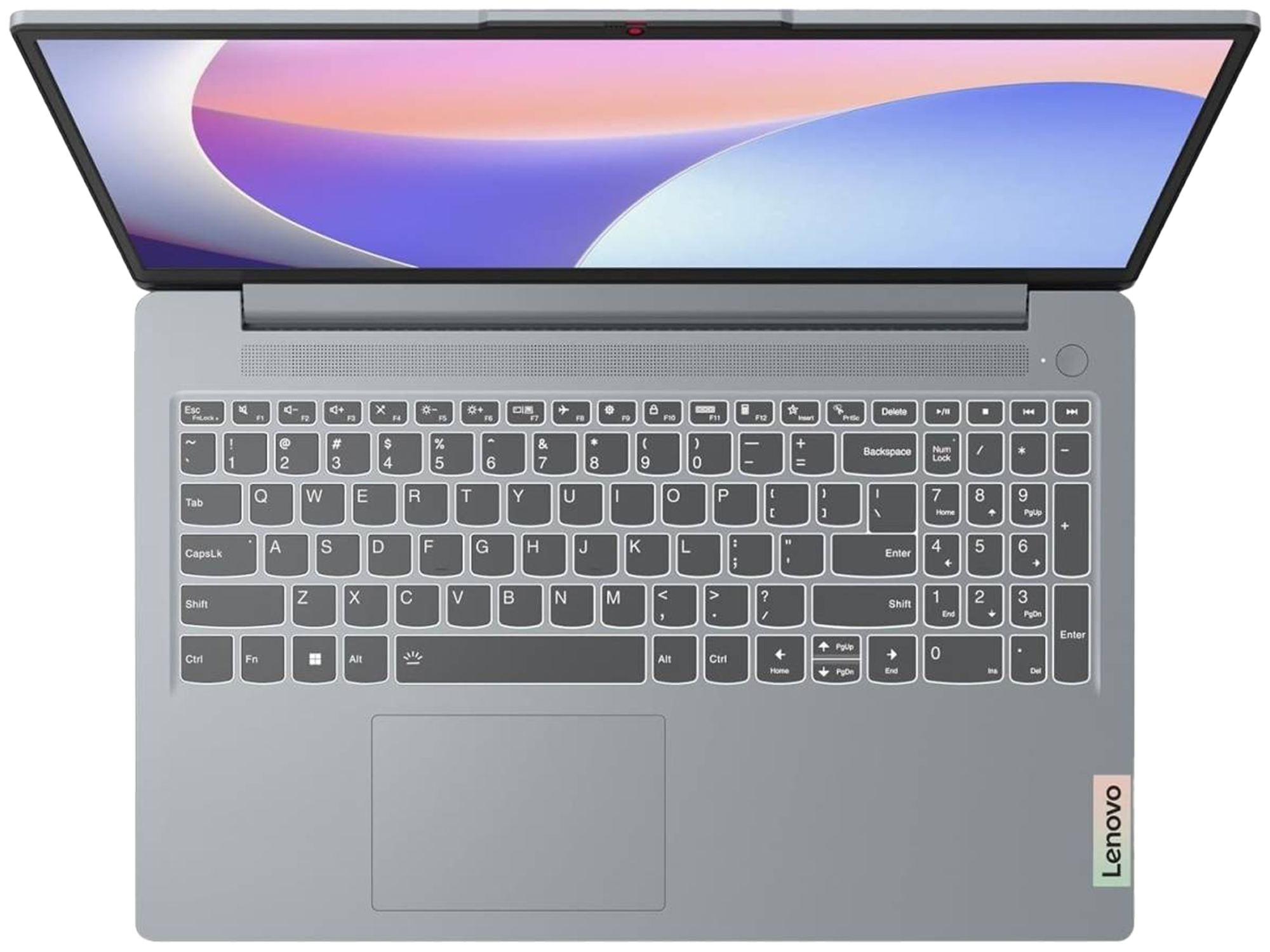
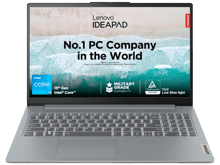
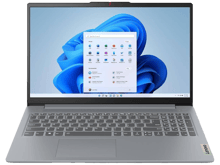
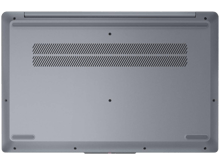
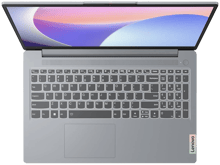
The specifications you listed describe a budget-focused, entry-level configuration of the Lenovo IdeaPad Slim 3 Corporation. This setup is tailored primarily for everyday computing tasks like web browsing, document editing, and video streaming, but it features a few notable contradictions and outdated components to keep in mind.Specification Breakdown & Reality CheckProcessor (Intel Core i3-1315U): This is a solid, power-efficient 13th Generation Intel chip with 6 cores (2 Performance cores and 4 Efficient cores). It handles everyday multitasking, office apps, and casual browsing quite well.Memory (8 GB DDR5): While utilizing fast DDR5 RAM is a plus, 8 GB is the absolute bare minimum for modern Windows operating systems. It will suffice for basic use, but multitasking heavily or opening dozens of browser tabs will quickly max it out.Storage (256 GB NVMe SSD): The NVMe SSD ensures the laptop boots up and loads apps quickly. However, 256 GB is very small. After the Windows operating system and system updates take their share, you will likely only have around 140–160 GB of usable space for your personal files and applications.Graphics ("Intel Graphics 2GB UHD"): Note: Intel UHD graphics are integrated system graphics, meaning they share your laptop's system RAM. They do not have 2GB of dedicated VRAM. This configuration is fine for streaming 4K video but is not built for modern gaming or heavy video editing.Display (15.6" HD 1280x720): This is the biggest downside. A 720p (HD) resolution on a large 15.6-inch screen will look noticeably pixelated, blurry, and text will not be sharp. Most modern entry-level laptops offer at least a 1920x1080 (Full HD) display, which provides a significantly crisper image and more screen real estate. Pros & Cons Pros ConsModern, efficient 13th Gen Intel processor720p HD screen is pixelated for a 15.6" sizeFast NVMe SSD storage for quick boot times256 GB storage fills up incredibly fastFast DDR5 RAM architecture8 GB RAM limits heavy future multitaskingTypically affordable budget pricingNot suitable for gaming or creative workloads The Verdict & Buying AdviceIf you are looking at purchasing this specific laptop, it will perform reliably for students, basic home office work, or light media consumption.

Why Buy from Action Market?
Because we provide a safe and smooth shopping experience from start to finish.
Up to 18 Months Warranty
Full peace of mind with every purchase
Free Delivery
Fast shipping directly to your doorstep
Easy Returns & Exchanges
Simple and hassle-free process
You may also like


Product description
The specifications you listed describe a budget-focused, entry-level configuration of the Lenovo IdeaPad Slim 3 Corporation. This setup is tailored primarily for everyday computing tasks like web browsing, document editing, and video streaming, but it features a few notable contradictions and outdated components to keep in mind.Specification Breakdown & Reality CheckProcessor (Intel Core i3-1315U): This is a solid, power-efficient 13th Generation Intel chip with 6 cores (2 Performance cores and 4 Efficient cores). It handles everyday multitasking, office apps, and casual browsing quite well.Memory (8 GB DDR5): While utilizing fast DDR5 RAM is a plus, 8 GB is the absolute bare minimum for modern Windows operating systems. It will suffice for basic use, but multitasking heavily or opening dozens of browser tabs will quickly max it out.Storage (256 GB NVMe SSD): The NVMe SSD ensures the laptop boots up and loads apps quickly. However, 256 GB is very small. After the Windows operating system and system updates take their share, you will likely only have around 140–160 GB of usable space for your personal files and applications.Graphics ("Intel Graphics 2GB UHD"): Note: Intel UHD graphics are integrated system graphics, meaning they share your laptop's system RAM. They do not have 2GB of dedicated VRAM. This configuration is fine for streaming 4K video but is not built for modern gaming or heavy video editing.Display (15.6" HD 1280x720): This is the biggest downside. A 720p (HD) resolution on a large 15.6-inch screen will look noticeably pixelated, blurry, and text will not be sharp. Most modern entry-level laptops offer at least a 1920x1080 (Full HD) display, which provides a significantly crisper image and more screen real estate. Pros & Cons Pros ConsModern, efficient 13th Gen Intel processor720p HD screen is pixelated for a 15.6" sizeFast NVMe SSD storage for quick boot times256 GB storage fills up incredibly fastFast DDR5 RAM architecture8 GB RAM limits heavy future multitaskingTypically affordable budget pricingNot suitable for gaming or creative workloads The Verdict & Buying AdviceIf you are looking at purchasing this specific laptop, it will perform reliably for students, basic home office work, or light media consumption.
Specifications
Frequently Asked Questions
- What are the features of the Lenovo Laptop IdeaPad Slim 3 15IRU8?
- Is the Lenovo Laptop IdeaPad Slim 3 15IRU8 good for gaming?
- What is the storage size of the Lenovo Laptop IdeaPad Slim 3 15IRU8?
- Is the Lenovo Laptop IdeaPad Slim 3 15IRU8 worth buying?
- How is the performance of the Lenovo Laptop IdeaPad Slim 3 15IRU8's processor?
- Can the Lenovo Laptop IdeaPad Slim 3 15IRU8 be used for video editing?
- What is the display resolution of the Lenovo Laptop IdeaPad Slim 3 15IRU8?